Icon Replacer
Change the icon. Keep the folder.
Pick icons from a local library and apply them to folders and shortcuts from File Explorer. No administrator step for normal use.
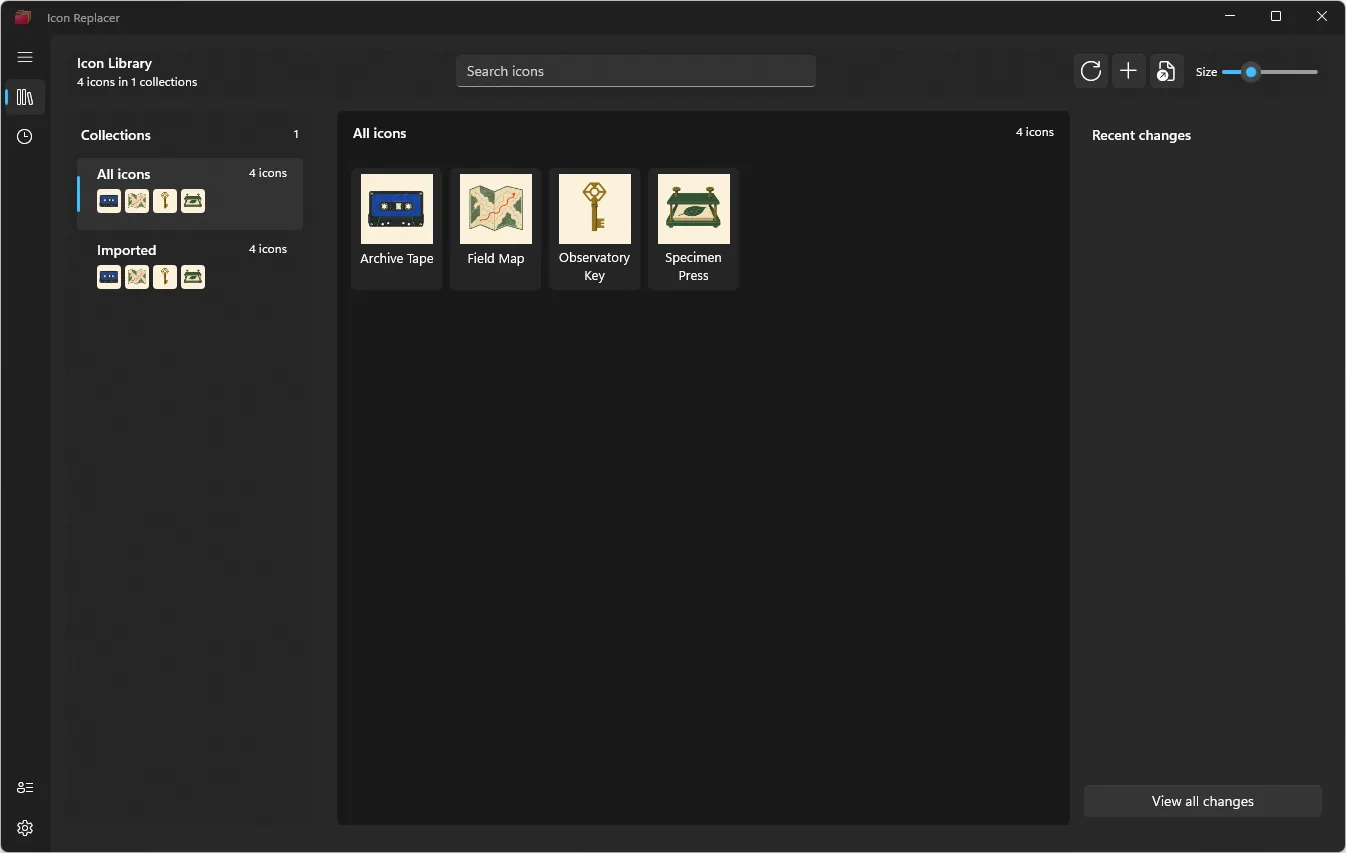
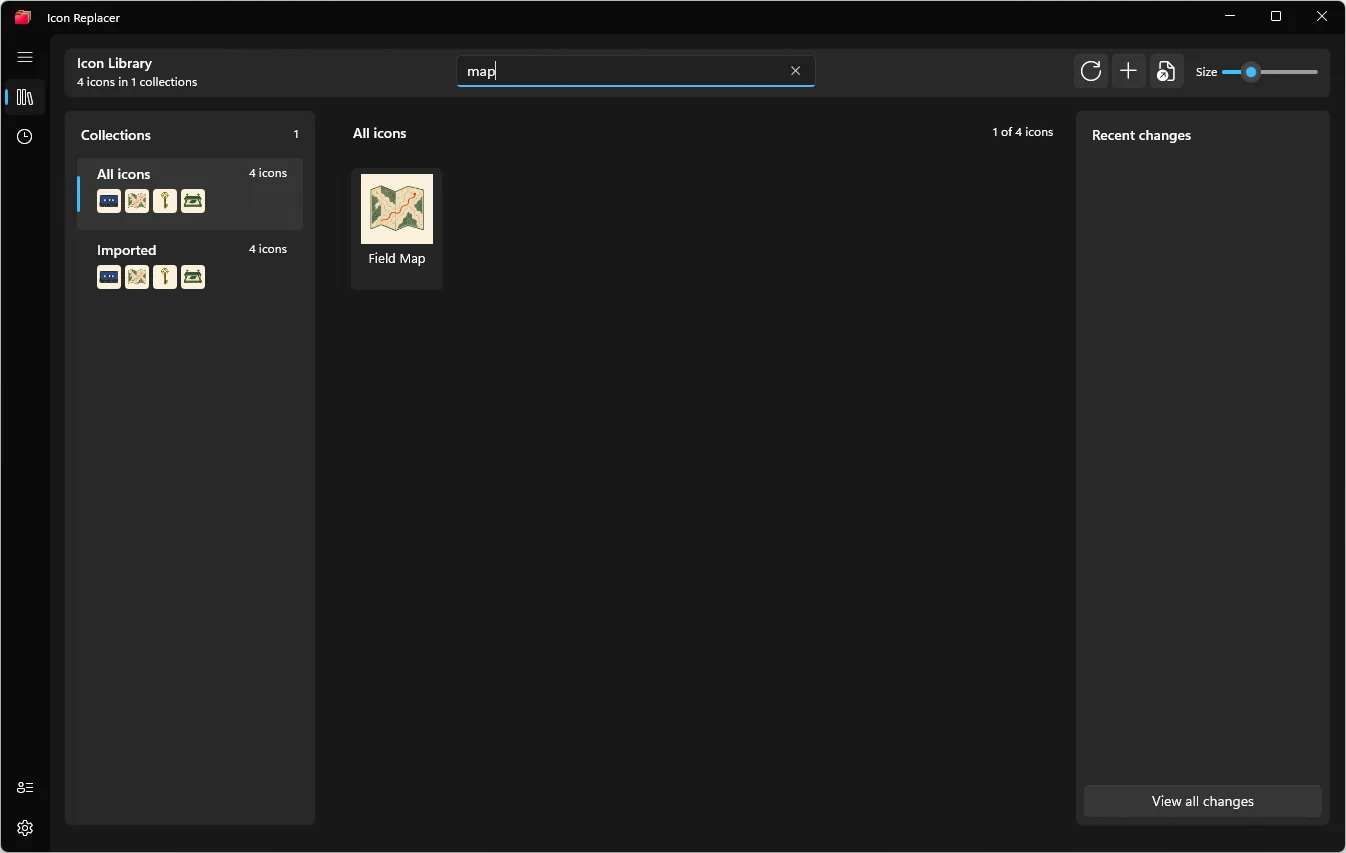
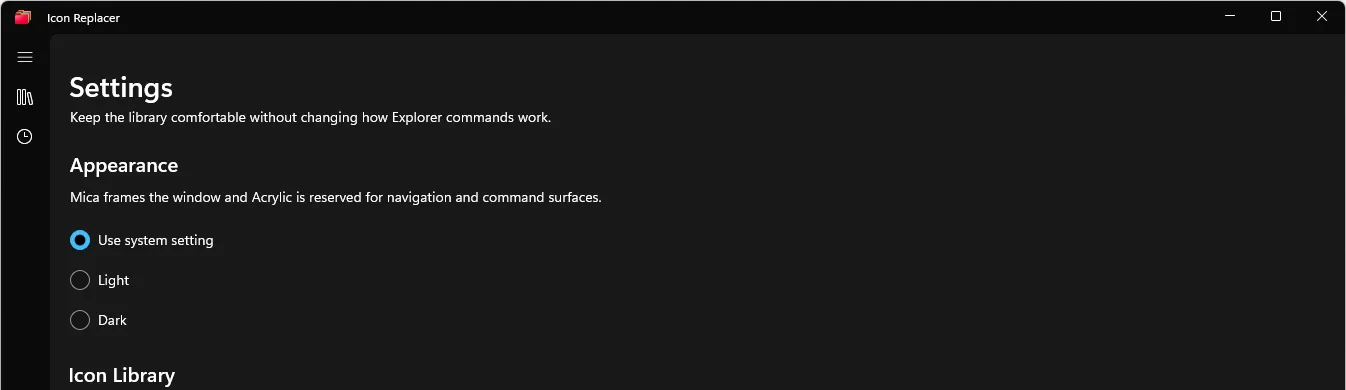
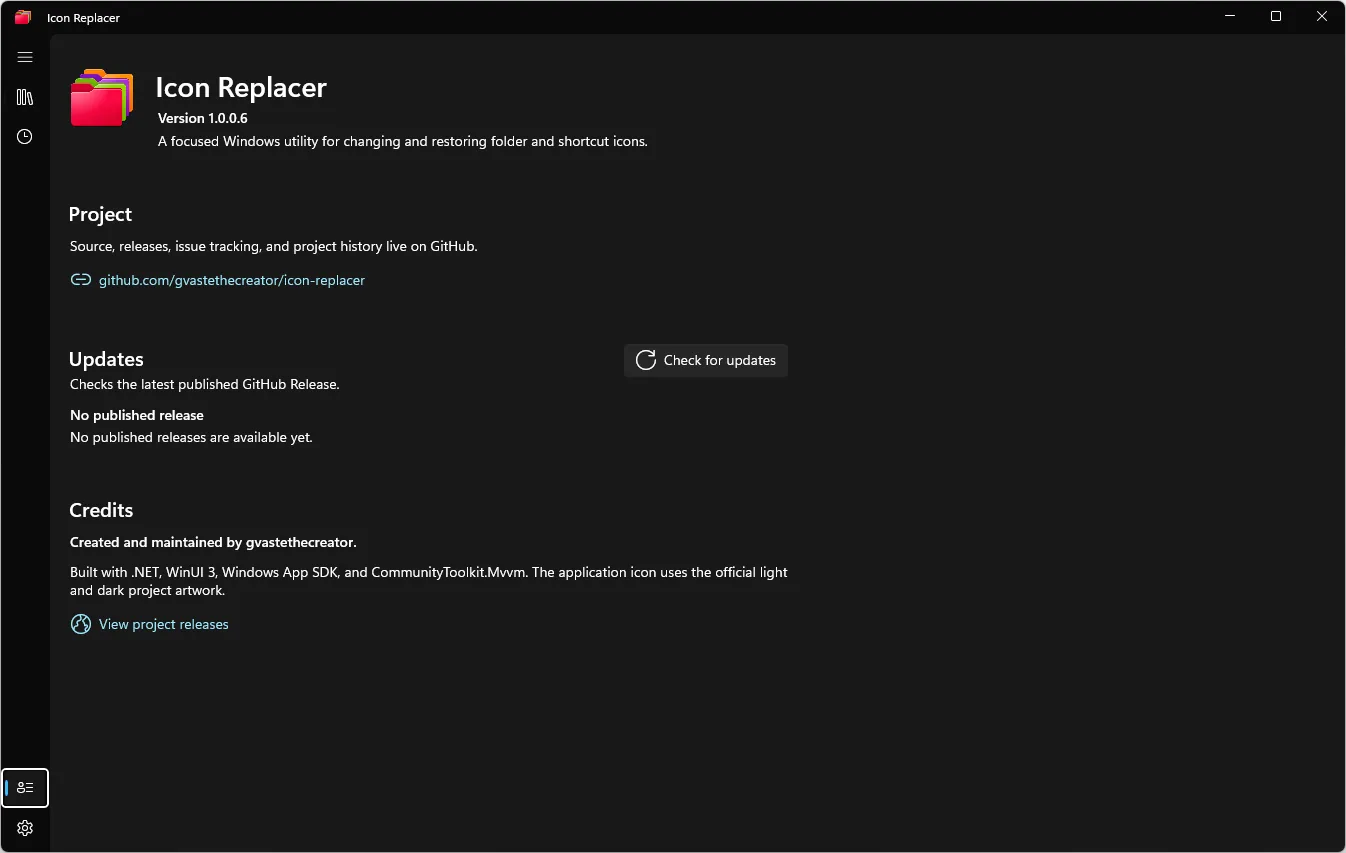
Screens
The library and the apply path.
Four captures from the README tour.
First minute
From library to folder.
-
Open the library
Browse icons that already live on the machine.
-
Filter
Narrow the set before you apply one.
-
Apply
Set the icon on a folder or a .lnk shortcut.
-
Restore
Put the original icon back when you want it.
Build
Restore the solution.
dotnet restore IconReplacer.slnx --locked-mode
Then run BuildAndRun.ps1 against the App project for an x64 Release build. GitHub Releases has no published tag.
Limits
The advertised tag is missing.
-
No release asset
README points at v1.0.0-rc.1. That tag and the Releases list were empty on 2026-08-18.
-
Example icons
Icons in the screenshots are not bundled with the app.
-
No license file
The repository has not selected a source license.
Boundary
Icons stay on the machine.
Stays local
- Folder and shortcut icon changes.
- The local icon library.
Leaves the machine
- Nothing in the documented normal path.
Links
Open the repository.
Build it locally until a real release exists.
Open the repository